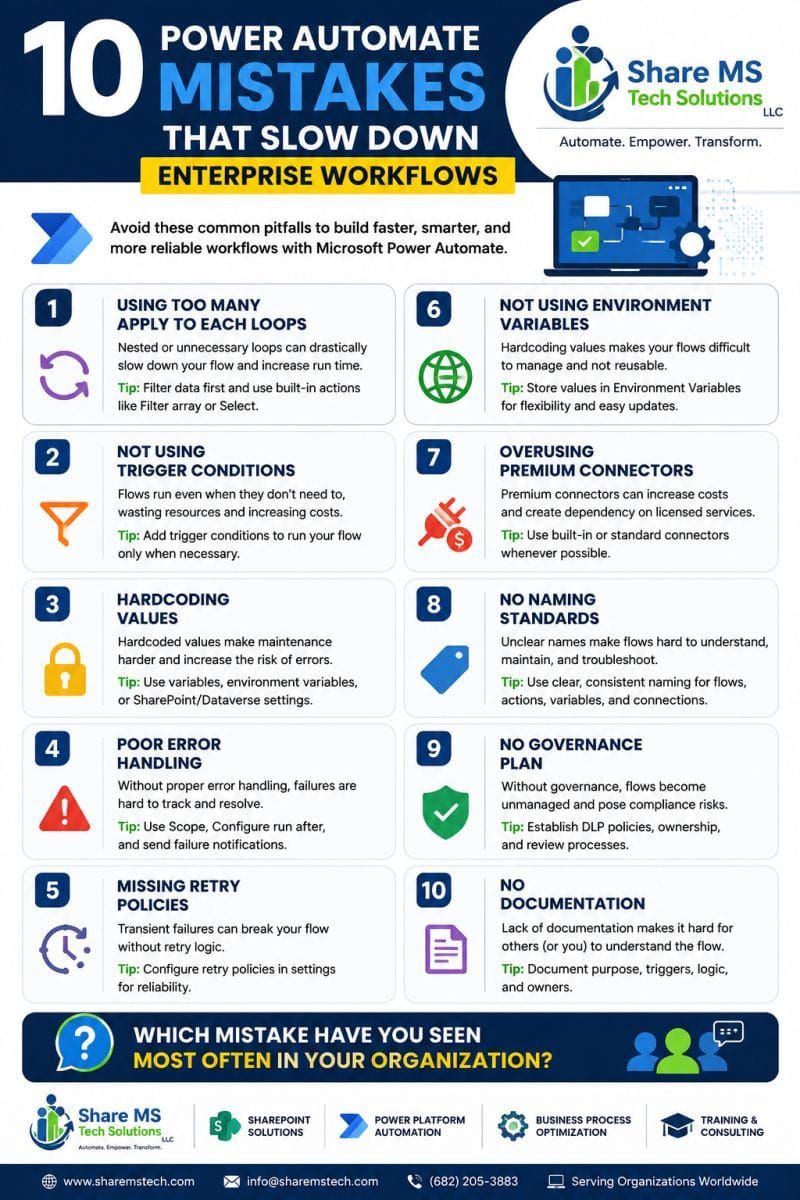
10 Power Automate Mistakes That Slow Down Enterprise Workflows
Modern organizations rely on automation to scale operations, reduce manual work, and deliver consistent business outcomes. Yet in most enterprise environments, Power Automate workflows fail not because the platform is limited — but because they’re built without the architectural discipline required for long‑term reliability.
After leading modernization projects across Microsoft 365, SharePoint, and the Power Platform, these are the 10 mistakes I see most often, and the exact practices I use to eliminate them.
1. Overusing “Apply to Each” Loops
Nested loops are the silent killers of performance.
They increase run time, inflate API calls, and create unnecessary complexity.
Fix: Filter your data before looping. Use Filter array, Select, or First() patterns to reduce iterations.
2. Missing Trigger Conditions
Flows that run when they shouldn’t waste resources and create noise in your environment.
Fix: Add Trigger Conditions so your flow only runs when the business logic requires it.
3. Hardcoding Values
Hardcoded URLs, IDs, emails, and environment-specific values make flows brittle and difficult to migrate.
Fix: Use Environment Variables, Dataverse tables, or SharePoint configuration lists to centralize settings.
4. Weak or Missing Error Handling
Without proper error handling, failures go unnoticed — until they break something important.
Fix: Use Scope blocks, Configure Run After, and Failure notifications to build resilient flows.
5. No Retry Policies
Transient failures (timeouts, throttling, network hiccups) are normal in cloud systems.
Fix: Enable Retry Policies on actions that depend on external systems.
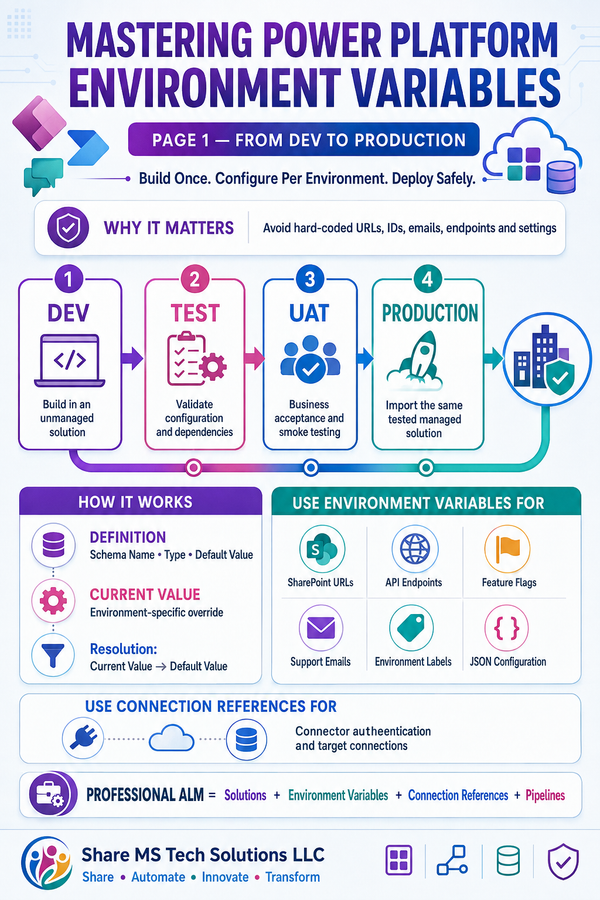
6. Not Using Environment Variables
If your flows can’t move between Dev → Test → Prod, you don’t have a scalable automation strategy.
Fix: Store all environment-specific values in Environment Variables for clean ALM and solution deployment.
7. Overusing Premium Connectors
Premium connectors are powerful — but unnecessary in many scenarios.
Fix: Always check for standard connector alternatives before committing to premium licensing.
8. No Naming Standards
Flows with unclear names become unmanageable as your automation footprint grows.
Fix: Use a naming convention for flows, actions, variables, and connections.
Example: SP_GetPendingApprovals_NotifyManager
9. No Governance or DLP Strategy
Without governance, automation becomes a risk — not a capability.
Fix: Implement DLP policies, ownership rules, lifecycle management, and regular solution reviews.
10. No Documentation
If your flow only lives in your head, it’s a liability.
Fix: Document the purpose, trigger, logic, dependencies, and owners.
Even a simple one‑page summary dramatically improves maintainability.
⭐ Why These Mistakes Matter
Automation is no longer a “nice to have.”
It’s a core part of enterprise operations.
But without architecture, governance, and performance discipline, automation becomes:
- slow
- unreliable
- expensive
- difficult to scale
Fixing these 10 issues creates a foundation for high‑performance, enterprise‑grade automation across Microsoft 365.