Power Automate: From Basic to Advanced
Whether you're a beginner exploring automation or an enterprise developer building scalable solutions, understanding flow patterns changes how you design business processes.
Building a flow that runs once is easy. Designing reliable, scalable, and maintainable automation that runs thousands of times without failing? That is the real skill.
Here is the progression most professionals follow, detailed from the ground up. 👇
🔹 Basic Flows: Mastering the Foundation
Basic flows are the entry point. They focus on immediate productivity gains—automating repetitive, single-user, or single-team tasks to eliminate manual data entry and clicking.
1. Automated Cloud Flows
- What they are: Flows triggered automatically by an event in an external service.
- Deep Dive: These rely on "When an item is created" or "When a new email arrives" triggers. They run silently in the background. The key to mastering basic automated flows is understanding trigger conditions—filtering out unnecessary runs before the flow starts to save on API limits.
2. Instant (Manual) Flows
- What they are: Flows triggered on-demand by a human action.
- Deep Dive: Triggered via a button click in the Power Automate mobile app, a selected row in Excel, a clicked message in Teams, or an embedded button in Power Apps. They are ideal for processes that require human judgment before kicking off.
3. Scheduled Flows
- What they are: Flows that run at specific times or intervals (e.g., daily, weekly, or every 10 minutes).
- Deep Dive: Perfect for generating recurring reports, night-time database cleanups, or sending morning reminder emails.
4. Approval Workflows
- What they are: Built-in actions that pause a flow until a user approves or rejects a request.
- Deep Dive: Power Automate handles the heavy lifting here (generating adaptive cards in Teams and emails). Basic approvals are sequential (Person A approves $\rightarrow$ Person B approves) or simple "First to respond" models.
5. Business Process Flows (BPF)
- What they are: Guided, stage-by-stage visual experiences inside Model-Driven Power Apps.
- Deep Dive: BPFs don't just run in the background; they lead users through a defined company methodology (e.g., Lead $\rightarrow$ Qualify $\rightarrow$ Propose $\rightarrow$ Close). They ensure data consistency across a structured business lifecycle.
The Basic Milestone: At this stage, you are saving hours of manual work. However, these flows are often brittle. If a network glitch occurs or an Excel sheet column name changes, the flow breaks, and the process grinds to a halt.
🔥 Advanced Flows: Enterprise-Grade Automation
When you move into real-world, mission-critical projects, Power Automate stops being just a "low-code macro recorder" and becomes a serious enterprise orchestration engine.
⚡ Multi-Step & Conditional Approvals
- Deep Dive: Real business logic is rarely linear. Advanced flows use Parallel Branches to send approvals to three departments at once, or dynamic routing (e.g., if an expense is $<\$1,000$, auto-approve; if $>\$1,000$, route to Manager; if $>\$10,000$, route to VP). It also involves handling timeouts and reassignment if an approver goes on vacation.
⚡ Exception & Error Handling (Try/Catch/Finally)
- Deep Dive: Enterprise flows will encounter errors (APIs time out, files get locked). Advanced developers use the "Configure Run After" setting to build Try/Catch blocks. If an action fails (Try), the flow catches the error, sends an alert to the admin with the error details, and gracefully exits or retries, rather than just silently dying.
⚡ Reusable Child Flows
- Deep Dive: Don't build the same 20-step ERP logging process in five different flows. Instead, build it once as a Child Flow. Whenever a parent flow needs that function, it simply passes data to the Child Flow, waits for it to execute, and receives the result. This makes updates simple: fix it in one place, and it updates everywhere.
⚡ Data Validation & Advanced Expressions
- Deep Dive: Advanced users stop relying purely on dynamic content UI cards. They write WDL (Workflow Definition Language) expressions. They use
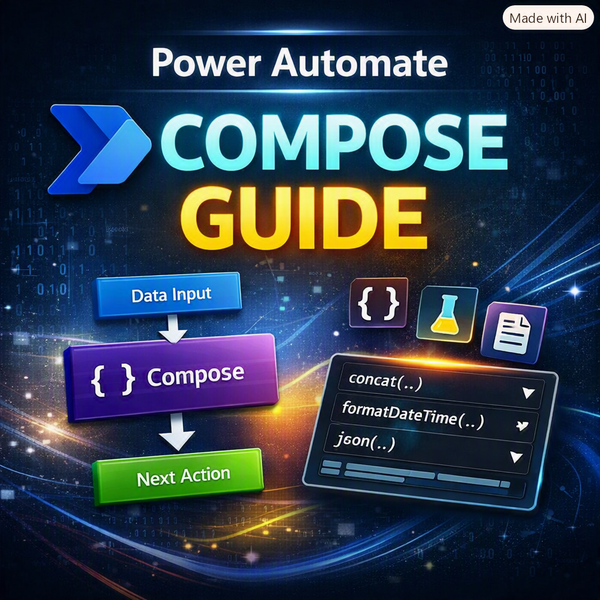
empty(),coalesce(),if(), andformatDateTime()to validate and clean data before it touches core systems, preventing data corruption.
⚡ Deep Native Integrations
- Deep Dive: This goes beyond just "sending a Teams message." It means using Graph API calls via HTTP actions to spin up entire Teams channels dynamically, generating complex HTML-formatted tables for Outlook, updating locked Excel rows via Graph, and managing granular SharePoint permissions on the fly.
⚡ Scalable Workflow Architecture
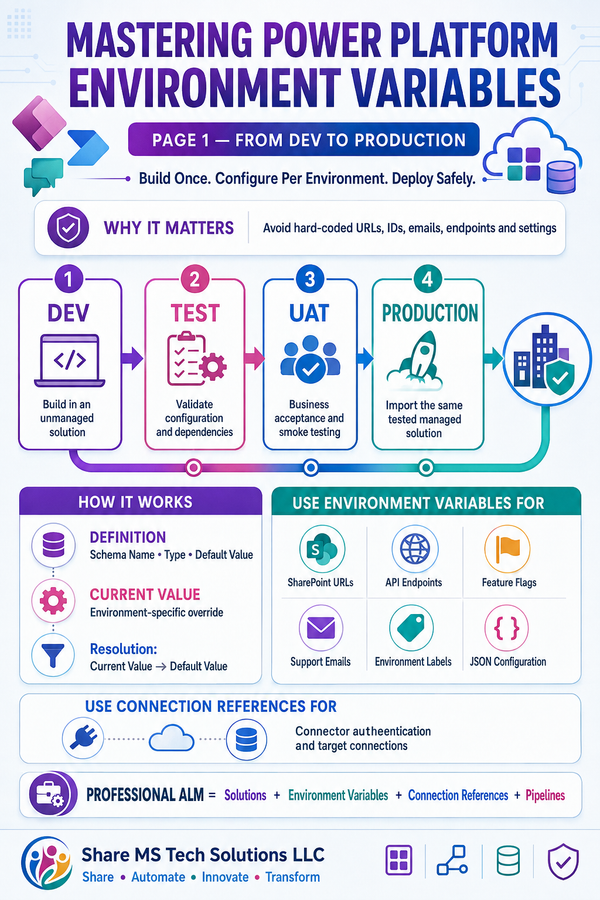
- Deep Dive: Managing API request limits, handling large datasets with Pagination (fetching thousands of rows without hitting a wall), utilizing Concurrency Control to loop through data in parallel safely, and managing Environments/ALM (Application Lifecycle Management) to seamlessly move flows from Dev $\rightarrow$ Test $\rightarrow$ Production.
💡 The Real Realization
The biggest lesson learned from scaling automation across organizations?
Building a flow is easy. Designing a reliable, scalable, and maintainable automation architecture is the real skill.
Once you shift your mindset from just "making it work" to designing proper flow architecture:
- Debugging becomes easier: Clear naming conventions, scoped blocks, and error handling mean you pinpoint failures in seconds instead of digging through massive run histories.
- Integrations make more sense: You understand how JSON data moves between APIs, making it simple to connect virtually any software.
- Automation becomes reusable: You build a library of components (Child Flows, templates) that speed up future development.
- Processes become scalable: Your flows can handle 10,000 items just as smoothly as they handle 10.
Many enterprise teams still only use about 20% of what Power Automate can actually do. Moving into the remaining 80% is what separates basic users from true Power Platform Architects.
📌 Save this roadmap for your next architectural review.
🔁 Share it with your team or anyone looking to level up their Power Platform skills.